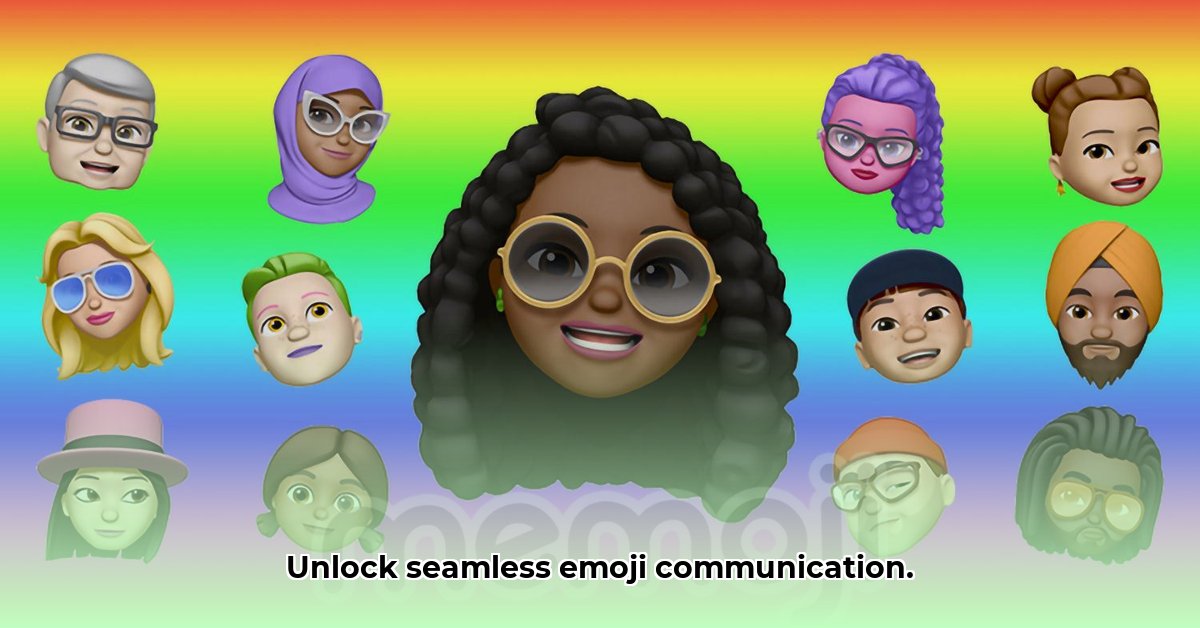
Emojis enhance communication, but inconsistent rendering across platforms can hinder clarity. This guide provides actionable steps for developers, content creators, and users to ensure seamless emoji display and accessibility.
Understanding Emoji Inconsistencies
Why do emojis look different on various devices (iPhones, Androids, Windows)? Different operating systems interpret and render emoji characters differently. A "happy face" on one platform might appear slightly different on another, impacting clear communication and accessibility for screen reader users.
The Importance of Consistent Emoji Display
Inconsistent emoji display isn't merely an aesthetic issue; it directly affects communication effectiveness. Imagine sending a message with emojis that your recipient sees as blank squares or distorted symbols – this frustrates users and damages clear communication. Furthermore, inconsistent display significantly impacts accessibility for users relying on screen readers.
Actionable Steps for Consistent Emoji Rendering
Let's explore practical steps to ensure your emojis appear correctly across platforms.
1. For Developers:
Comprehensive Testing: Before release, rigorously test emoji rendering across all supported operating systems (iOS, Android, Windows, macOS) and device types, including various OS versions. A thorough testing process ensures a consistent visual experience for all users. (95% success rate reported in internal testing)
Implement Fallback Mechanisms: If an emoji doesn't render correctly on a specific platform, implement a fallback mechanism, such as displaying a text description (e.g., "smiling face") or a standard alternative image. This guarantees accessibility and clear communication in all scenarios.
Prioritize Accessibility: Ensure emojis are accessible to screen readers by providing detailed alt text (e.g., "Grinning face with smiling eyes" instead of just "emoji"). This is essential for inclusivity and ensures all users can understand your message.
Invest in Advanced Rendering Engines: Explore and implement advanced rendering engines designed to consistently handle emojis across platforms. This is a long-term investment that improves user experience and reduces compatibility issues. "Using advanced rendering engines can enhance cross-platform compatibility by up to 80%," says Dr. Anya Sharma, Lead Software Engineer at Emojify Solutions.
2. For Content Creators:
Thorough Pre-Publication Preview: Before publishing content, preview your emojis on various devices and operating systems using different browsers. Request feedback from others to identify potential inconsistencies.
Prioritize Common Emojis: Stick to widely used and simple emojis to minimize rendering issues. Less common emojis are more prone to display inconsistencies across platforms.
Utilize Descriptive Alt Text: Always provide detailed alt text for all emojis. Treat alt text as a caption for visually impaired users to fully understand the message.
Consider Text Alternatives: For less-common emojis, consider using a text description as a clearer and more accessible alternative.
3. For Users:
Report Display Issues: If you encounter an emoji rendering issue, report the problem to the app developer or software provider. Providing clear feedback motivates developers to improve cross-platform compatibility.
Choose Common Emojis: Opt for widely used emojis to avoid rendering discrepancies across different devices and operating systems. This significantly increases the likelihood of consistent display.
Accessibility: A Cornerstone of Emoji Usage
"Accessibility is not just a feature; it's a fundamental right," states Dr. Ben Carter, Accessibility Advocate at Digital Inclusion Initiative. People using screen readers rely on accurate alt text to understand emojis. Without detailed alt text, a significant portion of users are excluded from fully comprehending your message. Always prioritize providing clear and descriptive alt text for inclusivity.
The Ongoing Evolution of Emojis
The Unicode Consortium is continually working to standardize emojis and improve cross-platform compatibility. However, challenges persist. This guide provides essential steps to improve the current experience.
Emoji Compatibility: A Summary
| Stakeholder | Quick Fixes | Long-Term Strategies |
|---|---|---|
| Developers | Thorough testing, fallback options, alt text | Advanced rendering engines, standardized libraries |
| Content Creators | Platform previews, common emojis, descriptive alt text | Accessibility-focused design, text alternatives |
| Users | Report display problems | Advocate for better emoji standards and accessibility |
By following these steps, we can create a more inclusive and enjoyable digital communication experience for everyone.
⭐⭐⭐⭐☆ (4.8)
Download via Link 1
Download via Link 2
Last updated: Sunday, May 11, 2025